PowerPoint Design Ideas
Make yourself and your PowerPoint presentation stand out by scoring with PowerPoint design ideas on your slides. Take advantage of the variety of design options in PowerPoint from creating your layout or background to refining the design of individual slide elements.
Deploy design elements skillfully to underscore what you’re saying. Skillfully convey facts, figures, and content through the effective use of PowerPoint design ideas. Thoughtfully design your slides to remain memorable after your presentation and achieve your presentation goals.
-

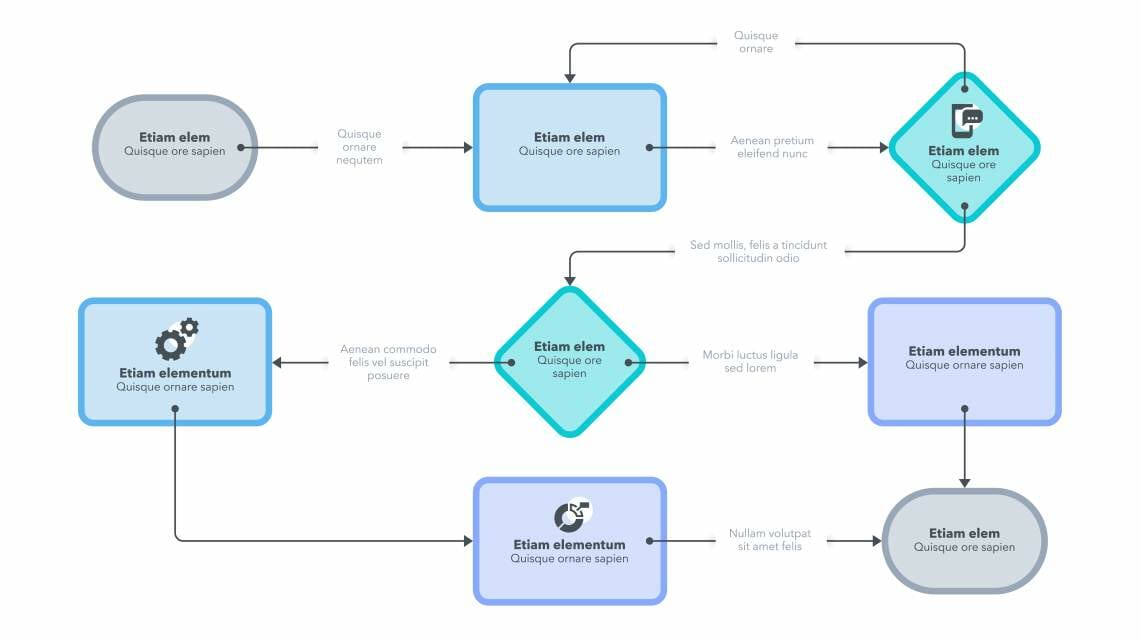
Create PowerPoint Flowcharts: Tips and Tricks
-

Using Contrasts in PowerPoint: 3 Different Types of Contrasts with Tips and Tricks!
-

PowerPoint Icons: Eye-catching visuals for your presentations! Includes four great ideas for using them effectively
-

18 Types of Diagrams in PowerPoint: Which is the Right Chart Type for Your Presentation?
-
Get Creative with 3D PowerPoint Elements! 5 Great Ideas for Your Presentations
-

All Caps in Presentations? Don’t Rule Them Out!
-
Flat Design: Eye-Catching for PowerPoint Presentations
-

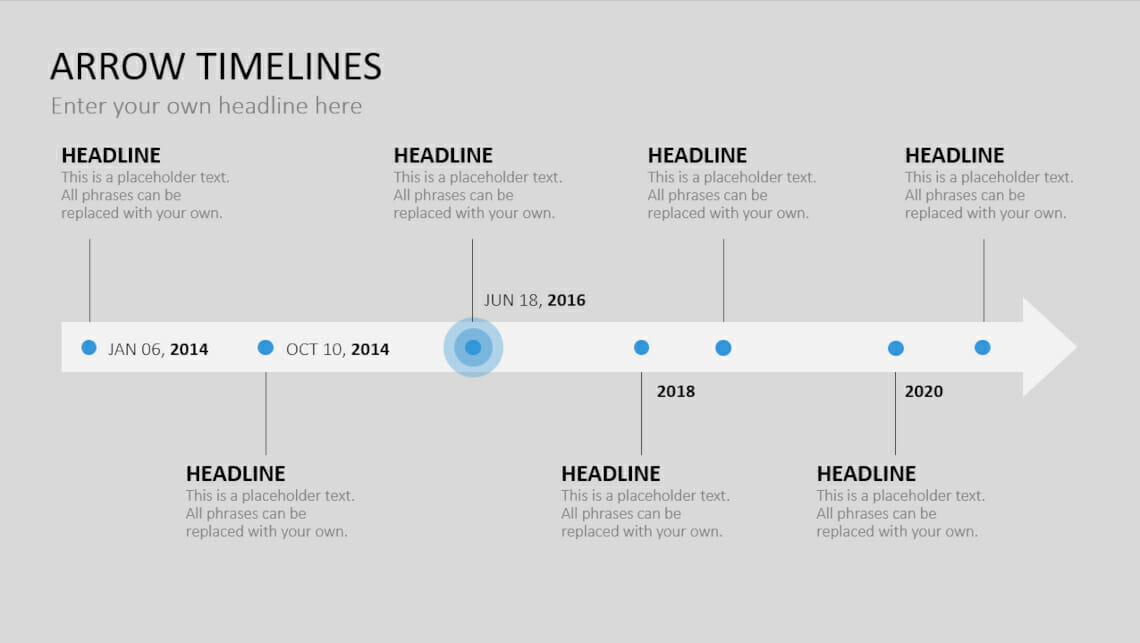
PowerPoint Timelines: 7 Great Ways to Use Timelines to Add to Your Presentations
-
Create Venn Diagrams in PowerPoint: 4 Types
-

The 4 Design Principles in PowerPoint!
-
Present tables and figures clearly in PowerPoint: Tips and Tricks!
-

Bending PowerPoint Text: Curved Text as Design Element for Your Presentation